
How to open a PSB (large Photoshop) file online
Open a PSB file in your browser with Madosuite Photo, keep its layers, and save it as a layered PSD or export a PNG. Free, no account, no upload.
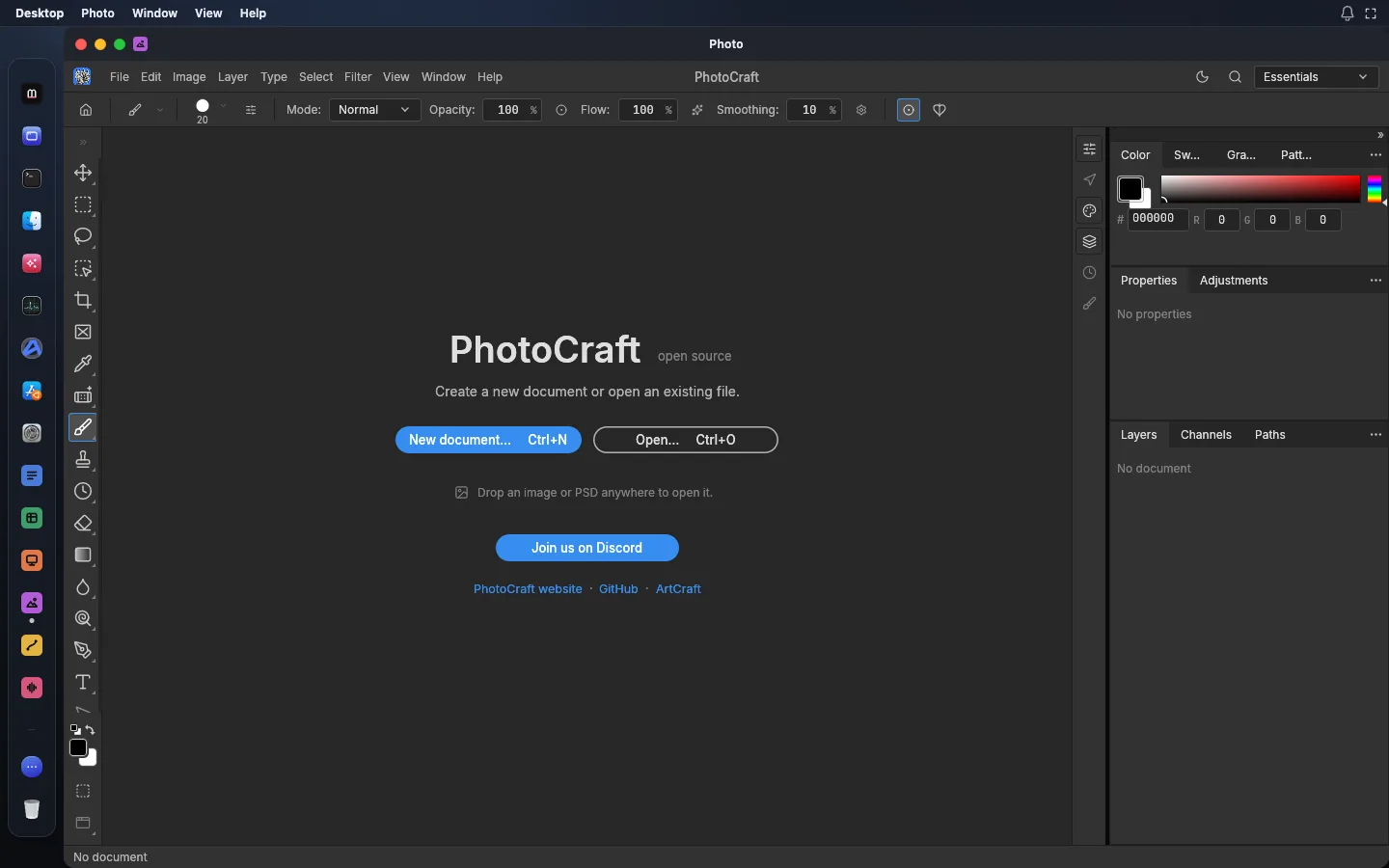
You can open a PSB file in your browser with Photo, the image editor in Madosuite at madosuite.com. Upload the file to Files, open it in Photo, and you see the layers, not just a flat preview.
This guide shows how, and what to check before you send the file on.
What a PSB file is
PSB is Photoshop’s “Large Document Format”. It holds the same things as a PSD (layers, masks, type, adjustment layers) but allows much bigger canvases and files. People save as PSB when a PSD gets too big: large prints, posters, long web pages, panoramas and files with many smart objects.
Photo opens both PSD and PSB. Its documentation lists PSB, 16-bit and 32-bit files, and CMYK and Lab documents as files that “open natively”.
Why open it in Madosuite
- It stays on your device. Madosuite runs a Linux machine inside your browser tab. Your file goes into that machine’s home folder, in the browser on your computer. It is not uploaded to us. That matters for client work you have not been cleared to share.
- No account. Open the site and start. Signing in with 0cloud is optional.
- Layers stay layers. Photo reads layered Photoshop documents, with groups, masks, adjustment layers, layer styles and type layers.
How to open a PSB file
- Go to madosuite.com and open the desktop. It loads in the tab.
- Open Files from the dock.
- Press Upload and pick your
.psbfile. It lands in your home folder. - Open the file with Photo.
- Check the Layers panel. Turn layers on and off to compare with what you expect.
Large files in a browser tab
A PSB is large by design, and the whole file has to fit in your computer’s memory while it is open. A few habits help:
- Close other apps in the Madosuite desktop and other heavy browser tabs before you open the file.
- If your device is low on memory, open the file on a computer with more of it.
- Photo stores the canvas in small tiles and only keeps what changes, which keeps huge canvases lighter. A very large file will still take time to open.
Saving and exporting
When you are done, choose what the next person needs:
- Layered PSD. Save as
.psdto keep the layers for someone who works in Photoshop. Photo’s documentation reports that re-saving a document keeps the render of 307 of the 309 files in the psd-tools test set, and parts it does not model yet are carried over instead of dropped. The saved file is not byte-identical to the original. - PNG. Use Quick Export to PNG for a flat image in one step.
- JPEG, WebP or TIFF. Use Export As. It shows a preview and an estimate of the file size, and lets you set format, quality, transparency and scale.
Then open Files, find the saved file and download it. See PSD to PNG if you only need a picture.
What may not carry over
Photo is in early alpha. Its own documentation says plainly that “it is not yet a Photoshop replacement for daily professional work”. Before you rely on a file, know these gaps:
- AI and generative features are not there.
- Some tools are missing (its documentation counts 15), and typography and pro workflows have less depth.
- Plug-ins from Photoshop do not run.
- Saving back as PSB is not listed as a save format. Large documents open, but plan to save a layered PSD or a flat export. If the file is too large for PSD, keep your original PSB.
- JPEG and WebP are 8-bit. Exporting a 16-bit or 32-bit file to them reduces the depth, and Photo warns you. Use PNG (8 or 16-bit) or TIFF (up to 32-bit float) to keep more.
Always keep the original file. Compare the result with it before you send anything on.
If you only need to look
Sometimes you only need to see the artwork or pull out one layer. Open the PSB, hide the layers you do not need, and export a PNG. You do not need a subscription for that. For reference, Adobe Photoshop costs US$22.99 a month on an annual plan billed monthly, as of 14 November 2026. Read more in Photoshop alternatives.
More on the format: open PSB files. Start with the app on the Photo page.