
How to open an .xlsb file without Excel
Open an Excel binary workbook (.xlsb) in your browser with Madosuite Grid, see what carries over, and save it as .xlsx or .csv. Free, no upload.
You can open an .xlsb file without Excel by uploading it to Madosuite’s Files and opening it with Grid, a spreadsheet app that runs in your browser. Grid reads the worksheet data with the values Excel saved, not the formulas, so read the section on what carries over before you rely on it.
What an .xlsb file is
XLSB is Excel’s binary workbook format. It holds a workbook like an .xlsx does, but in a binary form rather than the XML inside an .xlsx. If you do not have Excel, the file can be hard to open.
What you need
- The .xlsb file.
- A browser. Madosuite is free and needs no account.
Madosuite is a desktop of apps in a browser tab. It runs a Linux machine on your own device, and your files live in that machine’s home folder. They are not uploaded to us, which matters when the workbook holds salaries, prices or customer data.
Steps
- Go to madosuite.com and open Files.
- Press Upload and pick your .xlsb file.
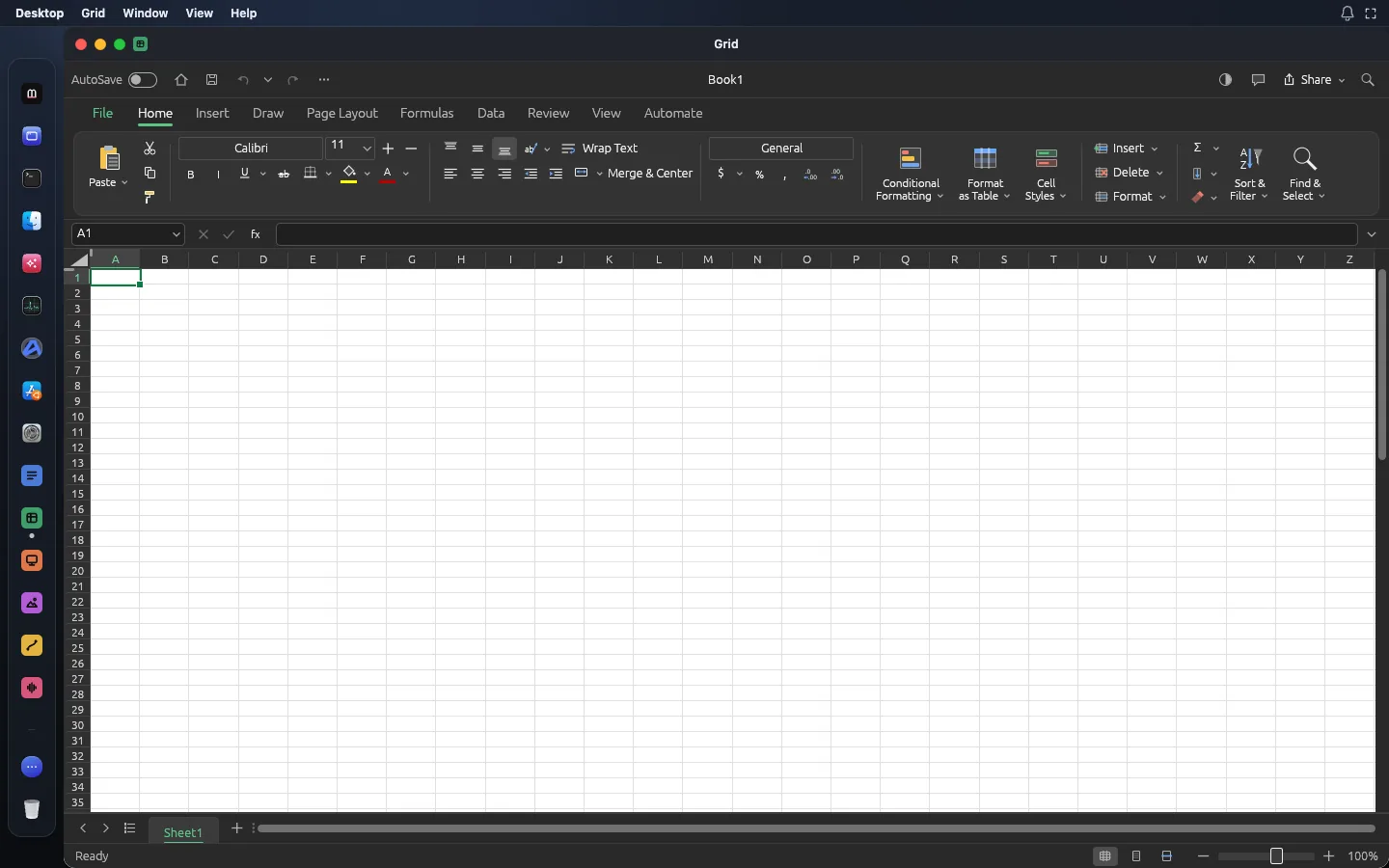
- Open it with Grid.
- Look through the data. Use the sheet tabs at the bottom to move between worksheets.
- If you want to keep working on it, save it as .xlsx. If you want the data for another tool, save it as .csv or .tsv. If you want to send it for reading, export a PDF.
- Open Files and download the new file.
What carries over, and what does not
Grid imports the worksheet data from an .xlsb file using the saved values. That means:
- You see the numbers and text as Excel last calculated and saved them.
- Formulas do not come over. A cell that held
=SUM(B2:B40)in Excel arrives as the result, for example12,480, not as the formula. If you change B2 in Grid, that total will not update. - The values are a snapshot. If the results were out of date when the file was saved, you get those out-of-date results.
For reading a report, checking a figure or pulling the data into another tool, saved values are often all you need. For a workbook you plan to keep editing as a live model, they are not enough on their own: you would need to rebuild the formulas in Grid, or get the file as .xlsx from whoever sent it.
If you can, ask for .xlsx
XLSX is Grid’s native format. It keeps styles, themes, formulas (including dynamic arrays), pivot tables and print settings through a round trip. If the sender can save the workbook as .xlsx instead of .xlsb, you get the formulas too. See how to open an .xlsx file.
Working with the data in Grid
Once the data is in Grid, you have a full spreadsheet to work with:
- Formulas: 500+ worksheet functions, dynamic arrays, LET and LAMBDA. You can rebuild the key totals that did not come over.
- Sort, AutoFilter and conditional formatting to find what you need in a long sheet.
- Pivot tables to summarise the data, saved to and read from .xlsx.
- Seventeen chart types if you want to show a trend.
- Page Break Preview and PDF export to send a clean, printable version.
When you save, pick .xlsx so your new formulas, pivots and formatting stay with the file. To make a PDF from the result, see the XLSX to PDF tool.
Do you need Excel at all
If you only open the odd .xlsb, probably not. As of 14 November 2026, Microsoft 365 Personal costs US$9.99 a month or US$99.99 a year, and Microsoft 365 for the web is free with a Microsoft account, with files saved in OneDrive. Grid is free, needs no account and keeps the file on your device. The Excel alternative page has more on where Grid fits and where it does not.
Limits
Grid is in alpha. In its makers’ words, “the core workflow works end to end, but depth, fidelity and file compatibility are still rough”. They estimate it is about 50% ready for real work. For .xlsb files in particular:
- Only worksheet data comes in, with saved values instead of formulas.
- Formatting and other parts of the workbook beyond the worksheet data should not be expected to carry over.
- Very large workbooks are still on the makers’ to-do list, so a huge .xlsb may be slow or may not open.
- Saving back to .xlsb is not offered. Grid saves .xlsx, .csv and .tsv, and exports PDF.
Your files live in the browser’s storage for madosuite.com. Clearing the site’s data deletes them, so download what you want to keep.
More on this format on the open .xlsb page, or start on the Grid app page.