
Hide faces and number plates so they can’t come back
Open Blur image. It finds faces and hides them, you draw boxes over plates, names and screens, and the new file does not contain what was underneath. The photo stays on your device, which is half the reason to hide anything.
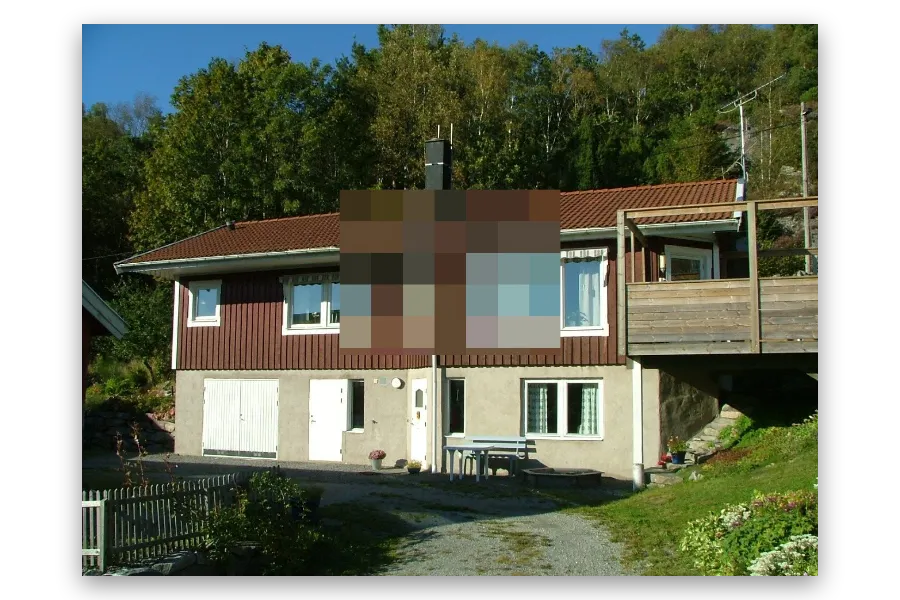
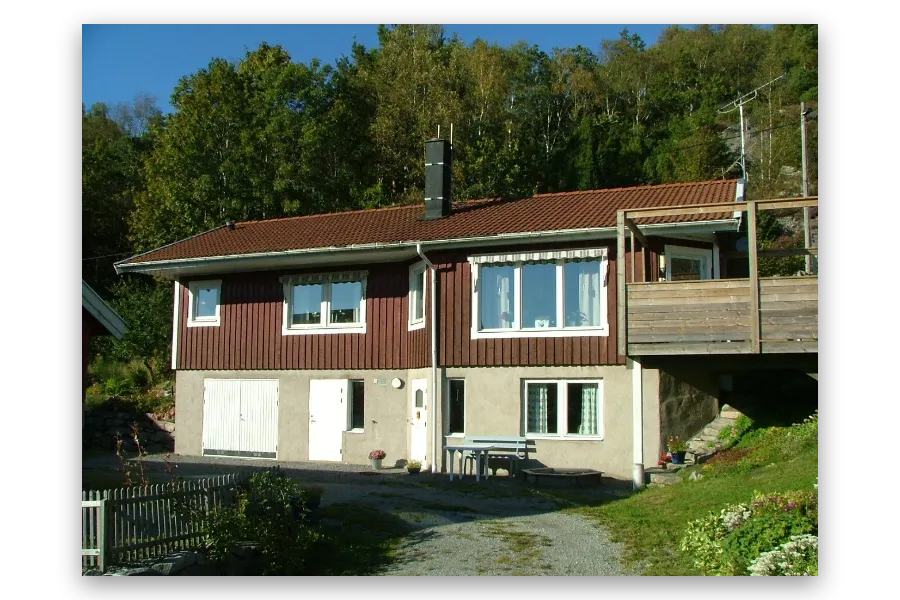 Before JPG, 309 KBAfter JPG, 340 KB
Why a soft blur is not enough
A light blur only mixes neighbouring pixels. A number has ten possible digits; software can try each one, blur it the same way, and see which fits. That is how “hidden” numbers have been read back. Large blocks leave less, solid black leaves nothing. For text, plates and ID numbers, use black. For faces in a street scene, blocks look calmer and are enough.
Hide it
- Open Blur image and press Choose a file.
- Leave Find and hide faces too on if people must not be known.
- Set Hide with to Black for text and numbers, or Blocks for faces.
- Draw boxes over plates, badges, screens, house numbers and labels. Undo takes back one.
- Make the boxes a little larger than the thing.
- Press Download, and run the result through Remove EXIF if you post it.
Where people look and you did not
- Reflections: windows, sunglasses, a kettle, a car’s door.
- Screens behind someone: an inbox, a patient list.
- Paper on a desk, and the whiteboard.
- The other plate. Cars have two.
- Parcels and prescriptions: name, address and phone on one label.
- Tattoos, school badges, uniforms. A face is not the only thing that names a person.
The file says more
The photo holds the place and time it was taken. Remove EXIF after blurring. If you send the original “just for you”, you have undone all of it. Also look at the name of the file.
Publishing a screenshot of a chat? Hide the names, the pictures, the phone numbers, and the status bar at the top, which shows your operator and the minute.
Choose black or blocks
| What | Use |
|---|---|
| ID, passport, bank card | Black |
| number plate | Black |
| faces in a crowd | Blocks |
| one child in a class photo | Blocks, large, or crop |
| name in a screenshot | Black |
Sometimes the better answer is Crop image. What is not in the picture needs no hiding.
What goes wrong
“No faces were found.” They are small, sideways or masked. Draw boxes yourself.
A face in the poster on the wall was hidden and the real one not. Look at each box.
You can still tell who it is. By the hair, the dog, the bike. Crop tighter or choose another photo.
You need it in a PDF. Do not draw boxes in a viewer; redact, which deletes the text.
Check
Open the downloaded file and zoom to 200%. Go from left to right and from top to bottom in strips, as if you were looking for a lost earring. Ask someone who was not there whether they can name a person, a street or a time. Then check View EXIF: the table should be empty.
When to use something else
Video needs a video editor that follows a moving face. A hundred street photos need a program that works in batches, and a person checking. For court, medicine or children in care, follow the rules of the institution, and let a second person sign off. This tool handles one picture at a time, well.
Questions
Does it find every face?
No. Faces turned away, very small or covered can be missed. Look over the whole picture and draw boxes over the rest.
Can the hidden part be recovered?
What was there is not in the new file. Black is the surest; blocks leave a rough colour pattern.