
Split a PDF
Cut one PDF into several: by page, range, size, bookmark, or in equal parts.
- Free, no sign-up
- Nothing is uploaded
- No daily limit
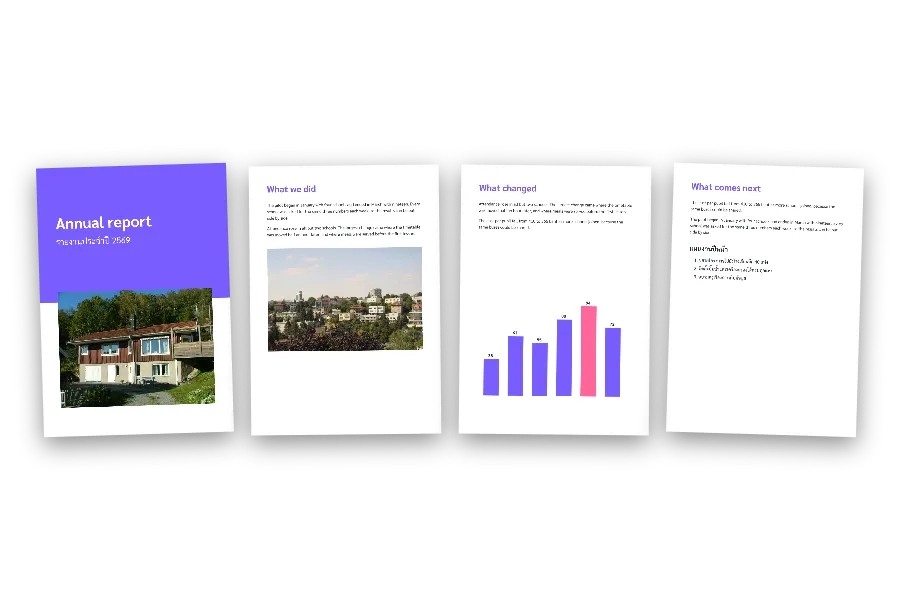
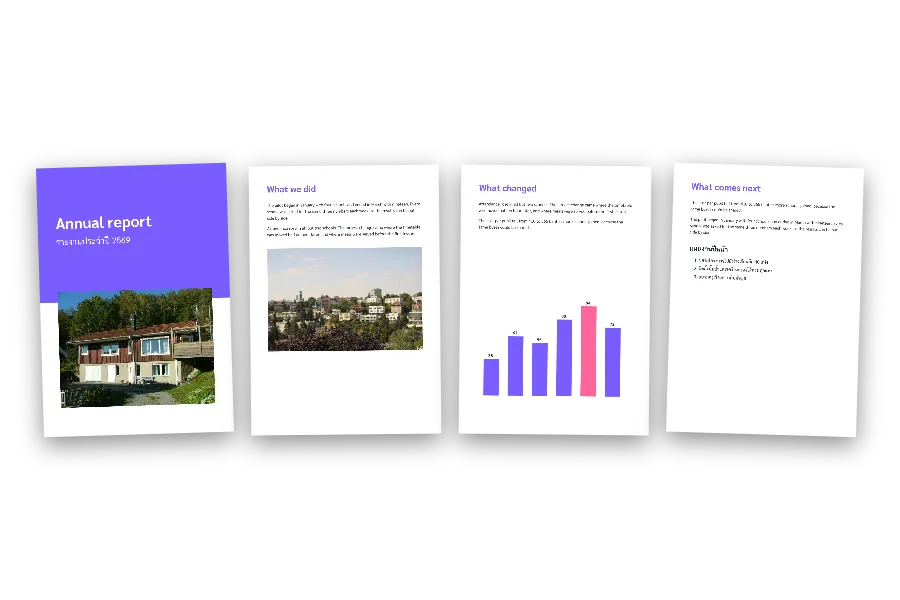 Before PDF, 691 KBAfter 4 × PDF, 724 KB
or drop them here
PDF. Stays on your device, never uploaded.
How to use Split PDF
Choose your file, or drop it in the box.
Change the options and watch the result on the page.
Happy with it? Press Split PDF, then download the new file.
What you get
- One PDF per page, in one press
- Ranges like 1-3, 4-6, 7 make one file each
- Files under a size, for email
- One file per top bookmark, with its name
- Several results come as one ZIP
What to know first
- A single page larger than the size you write is a file of its own.
- Only the top level of bookmarks is used.
Need more? Full programs, right in your browser
Nothing to download or install: the program opens in this browser tab. Free, and your files stay on your device.

Questions
How do I split a PDF for email?
Choose PDFs under a size and write the limit, such as 10 MB. Each file holds as many pages as fit.
Can I split a PDF into single pages?
Yes. Choose One PDF per page and download them all as a ZIP.
What if I only need a few pages?
Use Extract PDF pages: you click the pages and get them in one file.
Is my file uploaded?
No. The page loads the converter into your browser and your device does the work. Run a tool once, switch off the internet and run it again: it still works. The page’s security rules also stop it from connecting to any other site.
Is it free? Is there a limit?
Free, with no sign-up, no watermark and no daily limit. The limit is your device’s memory, because the work happens there.
Guides
Upload forms refuse big PDFs. Set an exact size, know what can shrink and what cannot, and fix the file when the first try is still too large.
How to do a mail merge without Microsoft WordMake personal letters, envelopes and labels from a list, free, in your browser. Clean the list first, run the merge in Word, and check before printing.
Combine PDFs and keep the links and bookmarksJoin several PDFs into one and keep each file’s bookmarks, links and form fields. Steps, what to check, and when the PDF app does it better.
People also use
More PDF tools
Merge, split, compress, convert, unlock, protect, sign and edit PDFs free in your browser. Your files stay on your device. No sign-up.