
PDF to Word
Get the text and pictures of a PDF as an editable Word document.
- Free, no sign-up
- Nothing is uploaded
- Many files at once
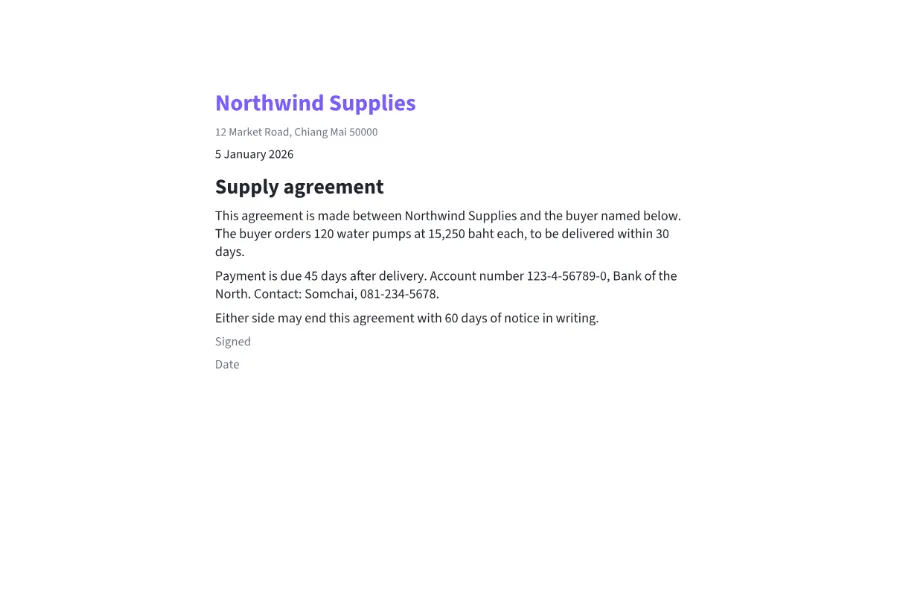
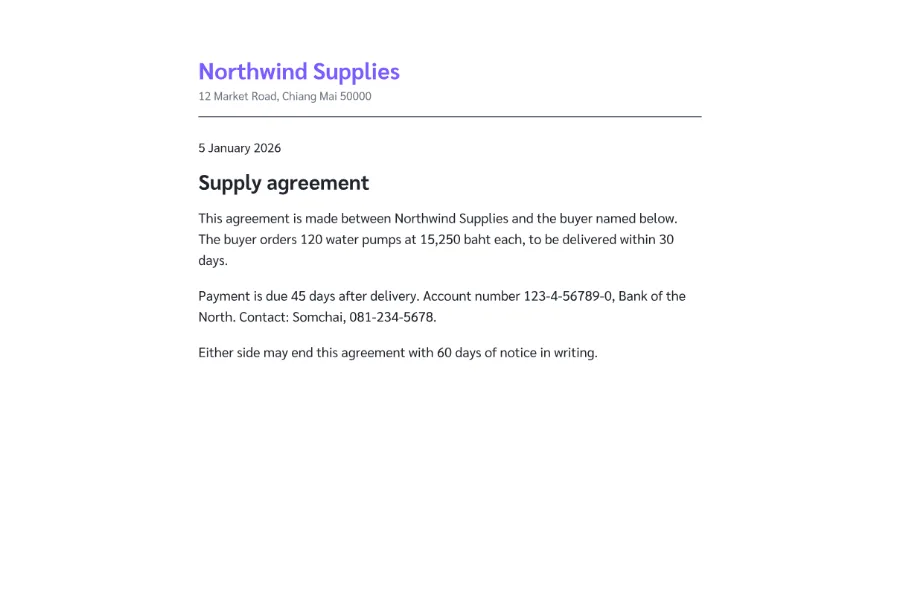 Before PDF, 8 KBAfter DOCX, 2 KB
or drop them here
PDF. Stays on your device, never uploaded.
How to use PDF to Word
Choose your files, or drop them in the box.
Change the options and watch the result on the page.
Happy with it? Press PDF to Word, then download the new file.
What you get
- An editable .docx with paragraphs and headings
- Pictures come along
- Several PDFs in one go
What to know first
- Complex layouts (columns, tables, forms) do not keep their exact look. Best for text you want to edit again.
- A scanned PDF has no text to take: run OCR PDF first.
Need more? Full programs, right in your browser
Nothing to download or install: the program opens in this browser tab. Free, and your files stay on your device.


Questions
Will the Word file look the same as the PDF?
The words and pictures come over; the exact layout often does not. If you need the look, keep the PDF.
Can it convert a scan?
Run OCR PDF first, then convert the result.
Is my file uploaded?
No. The page loads the converter into your browser and your device does the work. Run a tool once, switch off the internet and run it again: it still works. The page’s security rules also stop it from connecting to any other site.
Is it free? Is there a limit?
Free, with no sign-up, no watermark and no daily limit. The limit is your device’s memory, because the work happens there.
Guides
What survives when a PDF becomes a Word file, which PDFs convert well, how to repair the rest, and when to choose another way altogether.
Make a scanned PDF searchable: what OCR can and can’tAdd text to a scan without changing its look, get a text file too, choose the language, and judge how far to trust the words it read.
People also use
More PDF tools
Merge, split, compress, convert, unlock, protect, sign and edit PDFs free in your browser. Your files stay on your device. No sign-up.