
Open a RAR or 7z file without installing anything
Drop the file on Open RAR, Open 7Z or, for anything else, Extract archive. You see what is inside, save one file or all of them, and nothing is installed or uploaded.
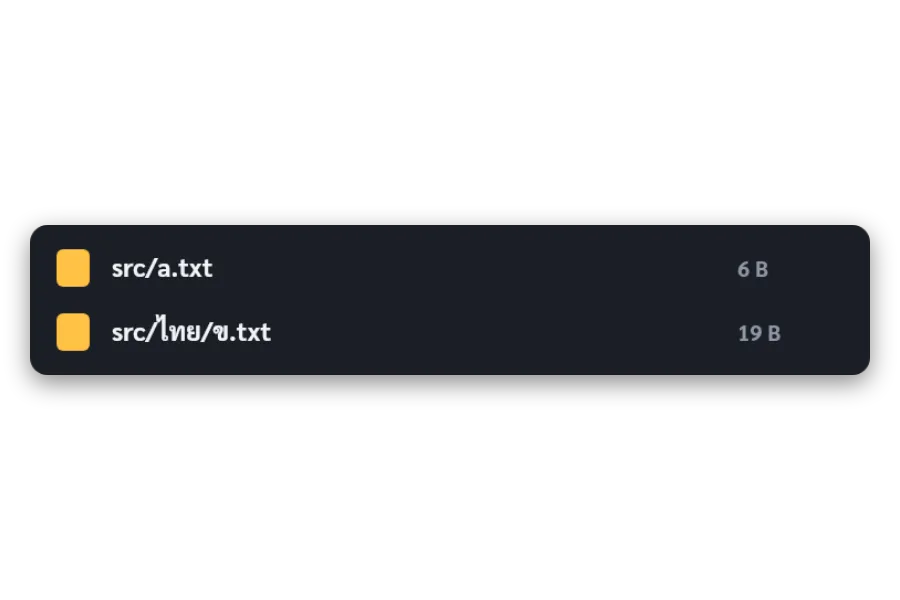
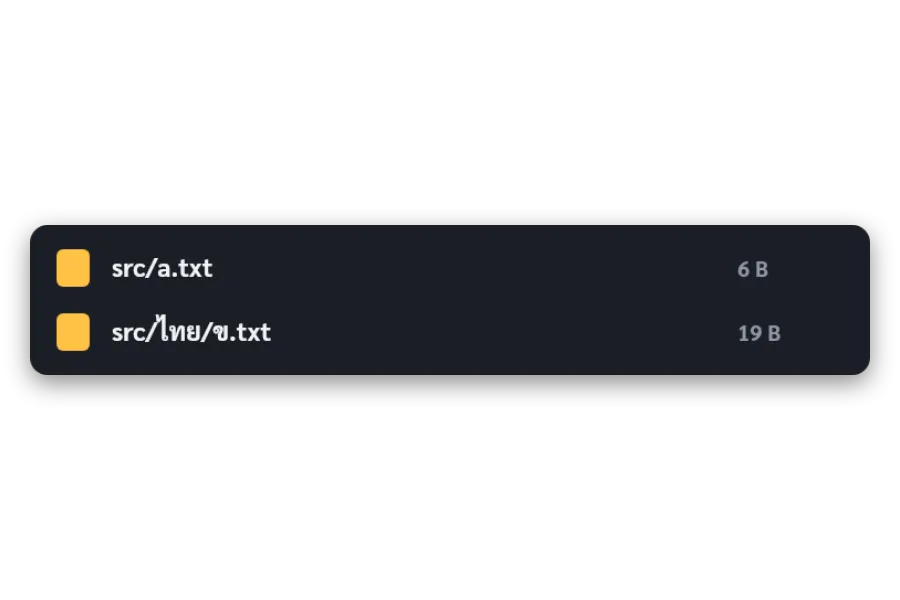 Before 7Z, 244 BAfter 2 × TXT, 25 B
Which one to use
| File | Page |
|---|---|
| .rar (4 and 5) | Open RAR |
| .7z | Open 7Z |
| .zip | Unzip |
| .tar.gz, .tgz, .xz, .bz2 | Open TAR.GZ |
| .iso | Open ISO |
| .apk, .ipa | Open APK |
| .cab, .deb, .lzh, .cpio and others | Extract archive |
They share the same engine. The names only save you reading a list.
Take out what you need
- Open the page for your kind and press Choose files.
- If it has one, type the Password. You can leave it empty otherwise.
- Look at the list. The line below says how many files there are and how large they are in all.
- Save the one you need, or press Download for everything as a ZIP.
Our sample ZIP holds three files in two folders, report/notes.md, report/sales.csv and a photo in a folder with a Thai name, 53 KB in all. The Thai name came out right. That is worth saying because older unpackers turn it into question marks.
Send it on as something anyone can open
RAR to ZIP and 7Z to ZIP repack with the folders kept. Windows, macOS and phones open ZIP by themselves. Note that a password is taken off on the way, and Create ZIP does not add one yet.
Is it safe to open?
Opening an archive here does not run anything. Looking at the list is safe. What you do next may not be:
- A document that came as
invoice.pdf.exeis a program. Read the end of the name. - An archive with a password printed in the same e-mail is an old way past virus scanners.
- Office files ending in
m(.docm, .xlsm) may hold macros. Open the plain version or ask. - If it is a download, compare its hash with the one the maker published.
What goes wrong
“The password is missing or wrong.” Copy it without the space at the end. Case counts. A 7z with a password may not open here at all.
“This file could not be read.” The download stopped early, or the file is one part of several. Compare the size with the page you got it from.
Files are there but empty. Some archives store links to other files. They are not made here.
The page runs out of memory. A few gigabytes is more than a browser likes. Use a computer with more memory or a program on the disk.
Names are still strange. The archive was made with an old encoding that does not say which it is. The files inside are fine; rename them with Batch rename.
Check
Count the files against what the sender says. Open the largest one to the end. A video that plays its last second and a PDF that shows its last page arrived whole.
When to install something
If you open archives every day, 7-Zip (Windows) or The Unarchiver (Mac) is free, opens multi-part sets and sits in the right-click menu. If you receive many gigabytes, do not do it in a browser. On a work computer where nothing can be installed, or a phone in a taxi, this is what there is, and it is enough.
Questions
Does it work on a phone?
Yes. RAR4, RAR5, 7z, ZIP and TAR open in a phone’s browser. Very large archives need the memory of a computer.
Can I open part1.rar, part2.rar?
Not here. Archives in several parts are not supported; use 7-Zip or The Unarchiver on a computer.

