
Camera RAW to JPG
Develop RAW photos at full size, with the colour the camera measured.
- Free, no sign-up
- Nothing is uploaded
- Many files at once
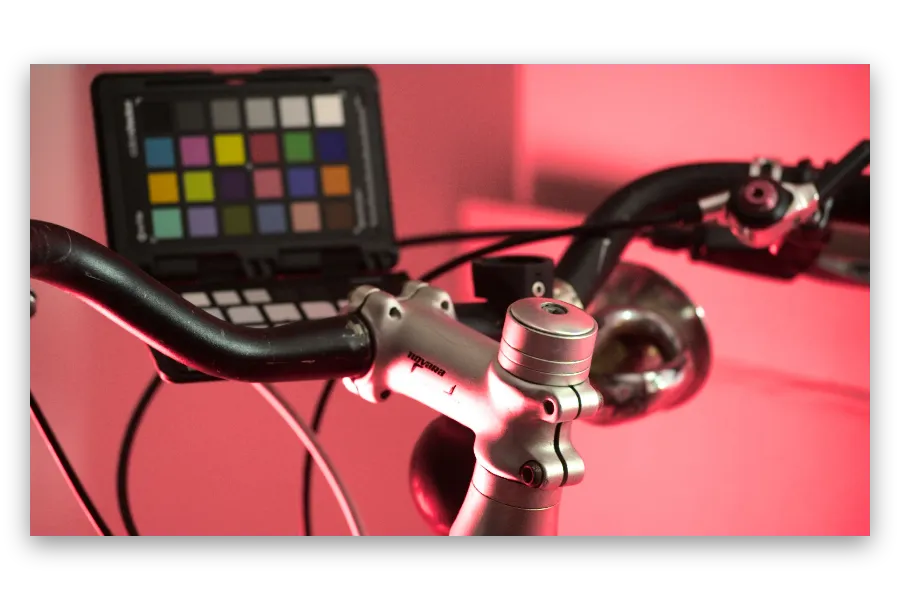
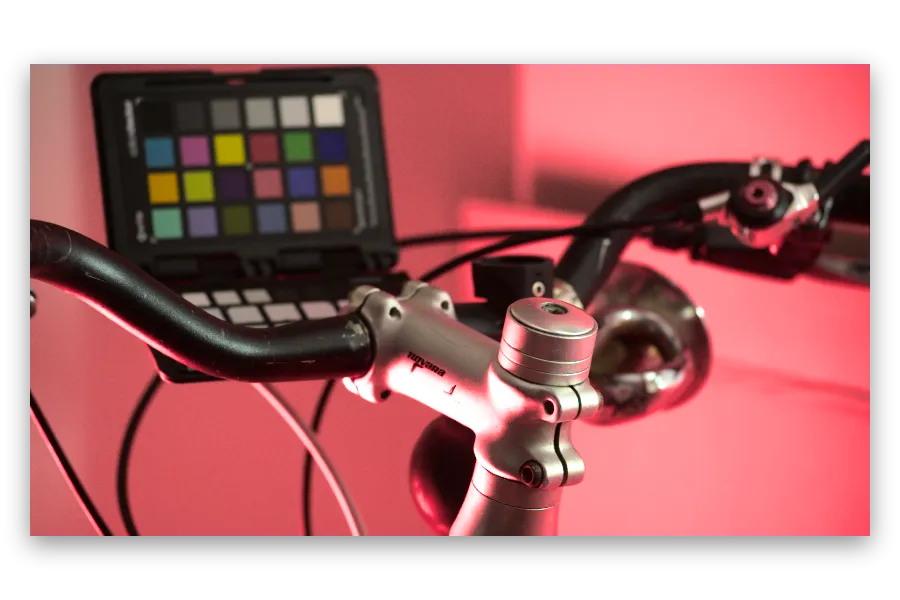 Before DNG, 2.1 MBAfter JPG, 297 KB
or drop them here
CR2, CR3, NEF, ARW, RAF, DNG, RW2, ORF, PEF, SRW. Stays on your device, never uploaded.
How to use RAW to JPG
Choose your files, or drop them in the box.
Change the options and watch the result on the page.
Happy with it? Press RAW to JPG, then download the new file.
What you get
- CR2, CR3, NEF, ARW, RAF, DNG, RW2, ORF, PEF
- The sensor data is developed, not just the small preview
- Many photos at once
What to know first
- Very new or very old cameras may not be supported yet.
- A large photo takes several seconds.
Need more? Full programs, right in your browser
Nothing to download or install: the program opens in this browser tab. Free, and your files stay on your device.
 LightCraft
Photo library and raw editor
Develop raw photos without touching the originals, and keep your library of albums, ratings and people.
 PhotoCraft
Image editor
Edit images with layers, masks, adjustment layers, layer styles and type, and open and save real .psd files.
 VectorCraft
Vector illustration app
Draw with the Pen, Pathfinder and Shape Builder across many artboards, and open .ai, .svg and .pdf files.
Questions
Which cameras work?
Most Canon, Nikon, Sony, Fuji, Panasonic, Olympus and Pentax cameras, and DNG.
Does it look like the camera’s own JPG?
Close, but not the same: each maker has its own colours.
Is my file uploaded?
No. The page loads the converter into your browser and your device does the work. Run a tool once, switch off the internet and run it again: it still works. The page’s security rules also stop it from connecting to any other site.
Is it free? Is there a limit?
Free, with no sign-up, no watermark and no daily limit. The limit is your device’s memory, because the work happens there.
Guides
Turn Canon CR3 raw files into JPGs in your browser, many at once, with nothing uploaded. Which way to choose, how to check colour, and what to keep.
Merge bracketed photos into HDR in your browserShoot brackets that merge cleanly, join them with Photo Merge in Light, tone the result and export. Free in a browser tab, with the limits stated.
Stitch a panorama from raw files for freeShoot frames that line up, stitch them in Light in your browser, choose a projection, crop and export. Free, with what goes wrong and how to fix it.
More Image tools
Remove backgrounds, compress, resize, convert HEIC and RAW, make passport photos, sort photos with on-device AI. Free, many at once, never uploaded.