
Put your name on many photos at once
Open Watermark image, choose all the photos, write your name or add a logo, and set it once. The mark is measured as a share of each picture, so portrait and landscape come out alike. Nothing is uploaded.
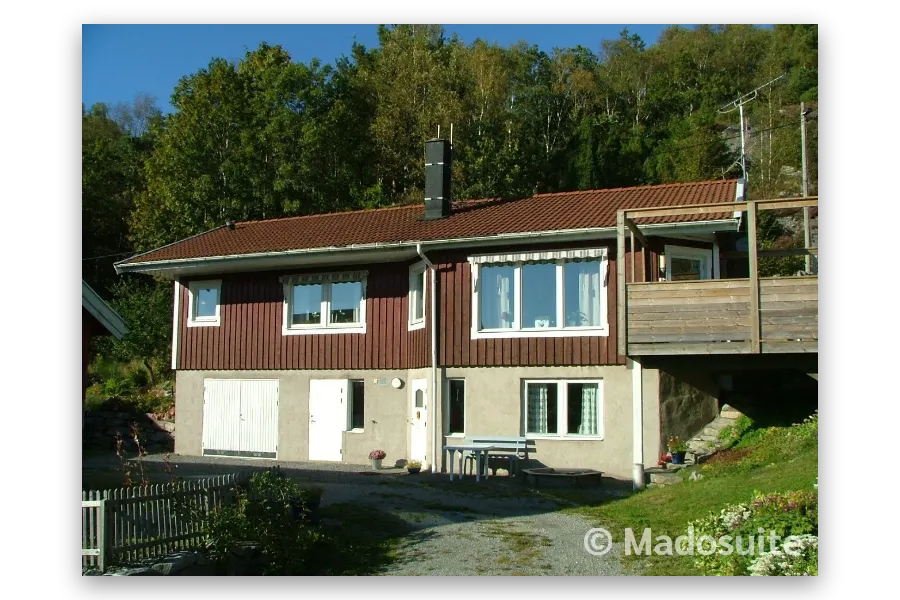
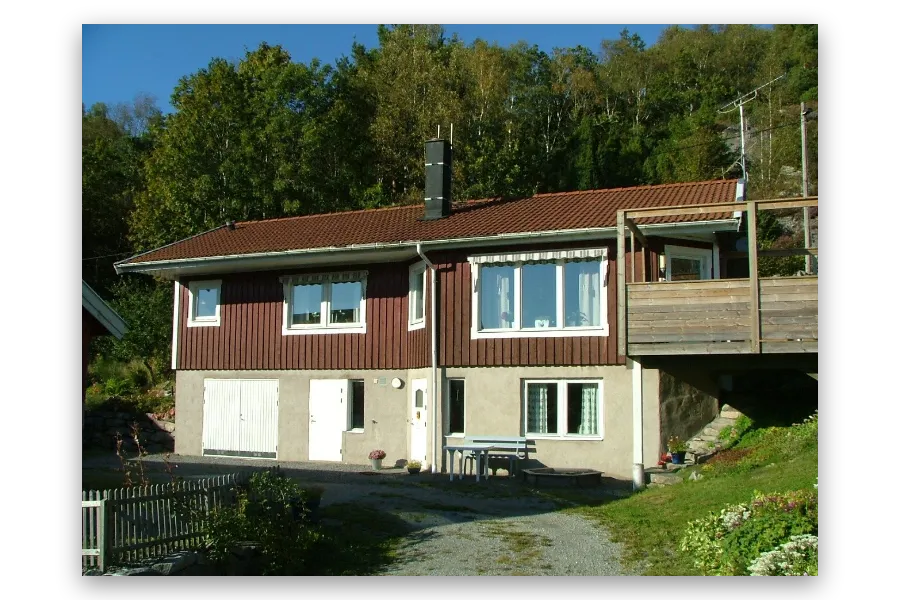 Before JPG, 309 KBAfter JPG, 369 KB
What is it for?
Decide, because the settings follow.
- A signature on posts. Small, in a corner, 25% wide, strong enough to read. People should notice the photo first.
- Proofs a client must not use. All over, faint, so it cannot be cropped away.
- A shop’s product photos. A small logo on the second and third picture; marketplaces often refuse text on the first.
Set it once
- Make smaller copies first: Resize image with a Width (px) of 2048 for posts, 1600 for proofs.
- Open Watermark image and press Choose files for all of them.
- Choose Text and write it, or choose Picture and take your logo as a clear PNG.
- Choose Where: a corner, Centre, or All over.
- Set Width, % of the picture, Strength % and Angle.
- Look at a light photo and a dark photo, then press Download. Many come as one ZIP.
Starting points:
| For | Where | Width | Strength | Angle |
|---|---|---|---|---|
| posts | Bottom right | 22 | 70 | 0 |
| proofs | All over | 35 | 20 | 30 |
| press handout | Bottom left | 18 | 90 | 0 |
A logo that works
Use a PNG with a clear background. If yours has a white box, cut it out with Remove background, or for a hand-drawn name use Signature to PNG. One colour reads best. White with a little less strength works on most photos; on snow or a white dress, use dark grey for that set.
Run light and dark photos as two batches with different colours. That takes one minute and looks like care.
Order of work
Choose, edit, resize, rename, mark. Never mark before you resize: the resize softens the letters. And never mark the originals. Our 309 KB sample became 369 KB with a mark, since the file is saved again; on a full-size photo the difference does not matter, but ten saves would.
Rename the batch with Batch rename so a stolen file still says who made it: {name}-somchai-studio-{n:3}.
What goes wrong
The mark disappears on some photos. It has the same colour as the sky. Choose another corner for that group.
It looks pasted on. Too large or too strong. Halve the width, then the strength.
Platforms cover it. Buttons sit over the bottom right of videos and stories. Look at where the platform puts its own signs.
The client complains. Proofs marked across faces are rude. Move to All over with low strength, small.
Check
Open the darkest and the lightest photo at the size people will see. Cover the mark with your thumb: is the photo still worth looking at? That is also what a cropper would get. Count the files.
What it does not do
It does not prove that the photo is yours, and tools that paint over marks exist. Proof is the RAW file, the series around the shot, and your name in the metadata. Post at 2048 px or less, never the full size. If you find your photo in use, a screenshot with the date and a polite invoice work more often than a fight. For a signed record of who made a picture, look at content credentials (C2PA), which your camera or editor must write; this tool does not.
Questions
Does the watermark fit photos of different sizes?
Yes. The width is a share of each picture, so it looks the same on a small and a large photo.
Can a watermark be removed?
By someone with patience, yes. Send small files, and keep the originals as proof that the photo is yours.
