
Remove the background from an image
Cut out the main subject and save it on a clear background.
- Free, no sign-up
- Nothing is uploaded
- Many files at once
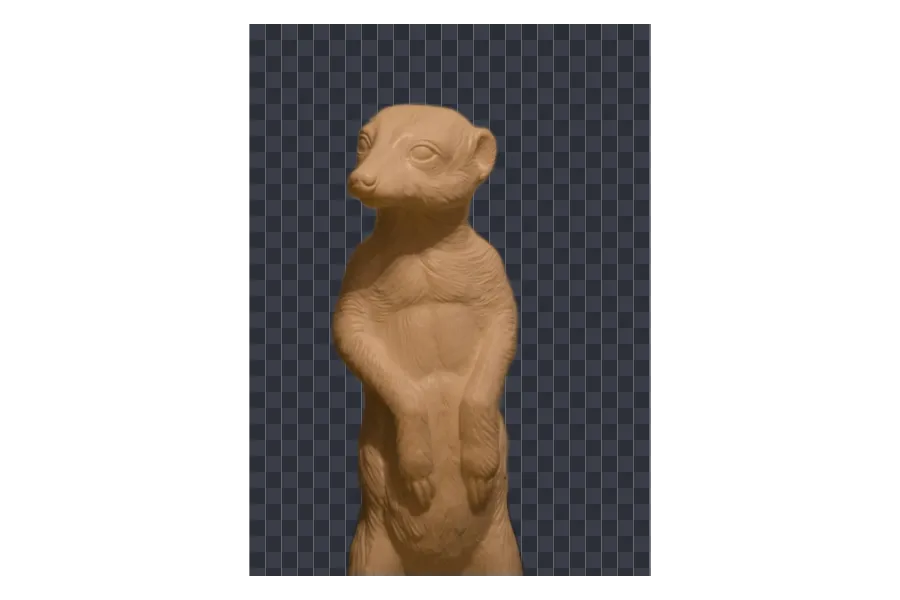
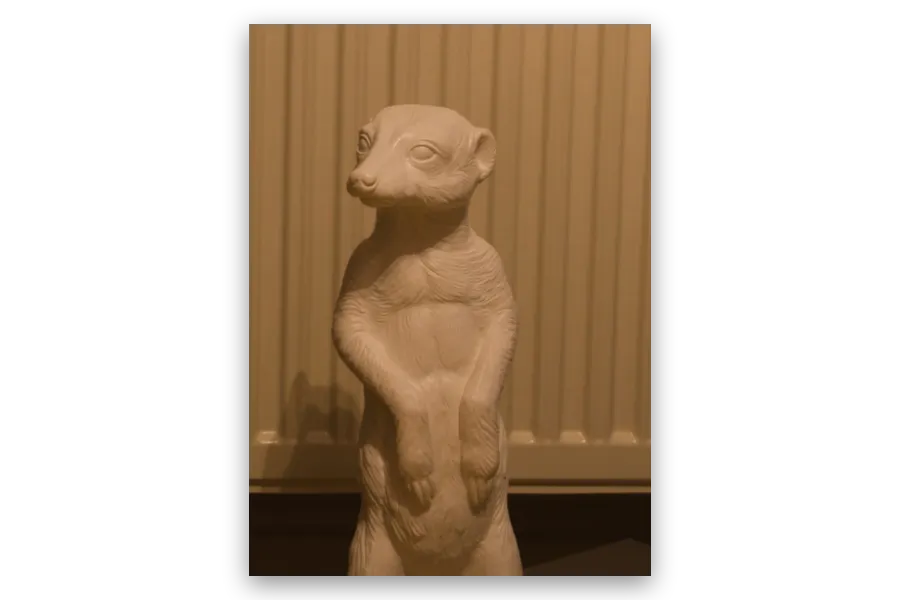 Before JPG, 42 KBAfter PNG, 235 KB
or drop them here
JPG, PNG, WebP, HEIC and more. Stays on your device, never uploaded.
How to use Remove background
Choose your files, or drop them in the box.
Change the options and watch the result on the page.
Happy with it? Press Remove background, then download the new file.
What you get
- Hair and fur edges kept fine, no halo of the old background
- Full size, clear PNG or any colour
- Many pictures at once, at no charge
What to know first
- Glass and see-through things, reflections on a shiny table and very thin wires (bicycle spokes) are the hard cases; a scene with no clear subject comes out empty.
- The first use downloads the model once (52 MB; 29 MB more for the graphics card engine where the browser has WebGPU). Then a photo takes a few seconds on a computer, longer on a phone.
Need more? Full programs, right in your browser
Nothing to download or install: the program opens in this browser tab. Free, and your files stay on your device.


Questions
Which model does it use?
BiRefNet lite (MIT licence), with edge refinement for hair and fur and the colour of the old background taken out of the edges. It runs on your graphics card with WebGPU, otherwise on the processor.
Is it really full size?
Yes. The picture keeps its width and height, and the edges are worked out at that size.
Are my photos used to train anything?
No. They never leave your device.
Is my file uploaded?
No. The page loads the converter into your browser and your device does the work. Run a tool once, switch off the internet and run it again: it still works. The page’s security rules also stop it from connecting to any other site.
Is it free? Is there a limit?
Free, with no sign-up, no watermark and no daily limit. The limit is your device’s memory, because the work happens there.
Guides
Cut the product out, put it on white, make it square at the size a shop asks for, and check the edges. A phone, a window and four free tools.
Make a passport or ID photo at home that prints rightTake the picture, set the size, fix the background, and print a 4×6 sheet with the right millimetres. With the checks that offices care about.
Open a GIMP .xcf file on a computer without GIMPOpen an .xcf in a browser tab on a Chromebook or locked laptop, keep its layers, and save PSD, OpenRaster or PNG for whoever gets it next.
People also use
More Image tools
Remove backgrounds, compress, resize, convert HEIC and RAW, make passport photos, sort photos with on-device AI. Free, many at once, never uploaded.