
Organize PDF pages
Drag pages into the right order, turn them, remove them, then save.
- Free, no sign-up
- Nothing is uploaded
- No daily limit
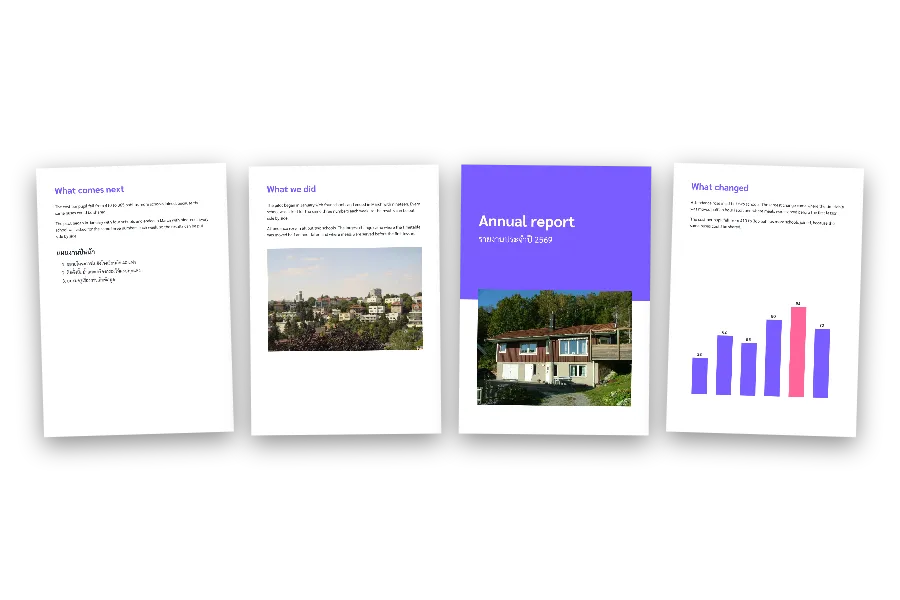
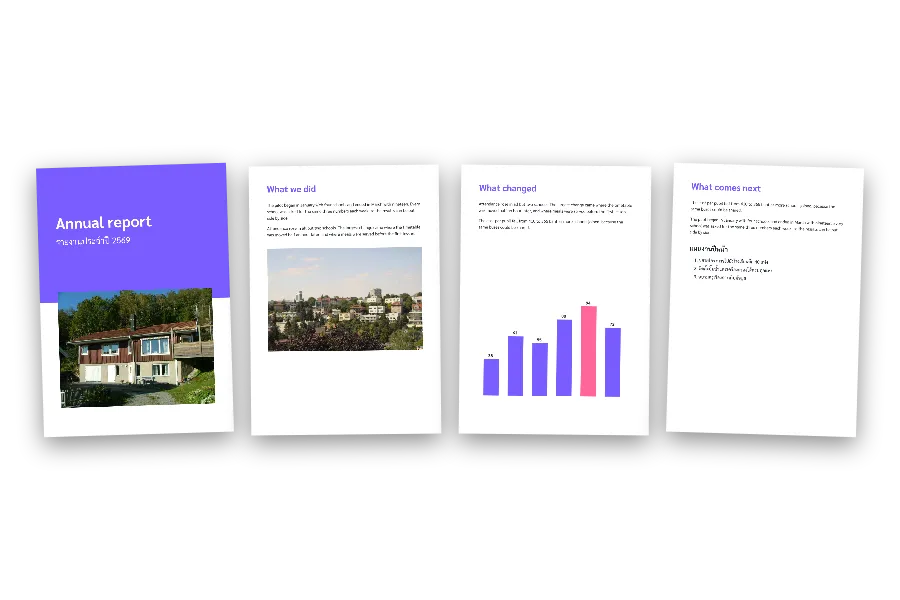 Before PDF, 691 KBAfter PDF, 691 KB
or drop them here
PDF. Stays on your device, never uploaded.
How to use Organize PDF
Choose your file, or drop it in the box.
Change the options and watch the result on the page.
Happy with it? Press Organize PDF, then download the new file.
What you get
- Drag with a mouse, or use the arrow buttons
- Turn single pages by 90°
- All changes are saved in one go
What to know first
- To add pages from another file, merge first and then organize.
Need more? Full programs, right in your browser
Nothing to download or install: the program opens in this browser tab. Free, and your files stay on your device.

Questions
Can I rearrange PDF pages on a phone?
Use the arrow buttons under each page; dragging needs a mouse.
Is a turned page turned for everyone?
Yes. The turn is saved in the file.
Is my file uploaded?
No. The page loads the converter into your browser and your device does the work. Run a tool once, switch off the internet and run it again: it still works. The page’s security rules also stop it from connecting to any other site.
Is it free? Is there a limit?
Free, with no sign-up, no watermark and no daily limit. The limit is your device’s memory, because the work happens there.
Guides
Join several PDFs into one and keep each file’s bookmarks, links and form fields. Steps, what to check, and when the PDF app does it better.
One PDF for a job application: order, size, nameJoin your CV, certificates and ID into one tidy PDF: turn photos into pages, fix the order, number the pages, shrink it and name it well.
Scan papers with your phone so they look scannedTake one good photo, let the tool find the edges and clean the shadow, pick colour, grey or black and white, and make a small A4 PDF.
People also use
More PDF tools
Merge, split, compress, convert, unlock, protect, sign and edit PDFs free in your browser. Your files stay on your device. No sign-up.