
Scan papers with your phone so they look scanned
Photograph the paper on a dark table, open Scan to PDF on your phone, and choose the photos. It finds the sheet, straightens it, takes the shadow out and makes an A4 PDF. No app to install, and the photo of your ID stays on your phone.
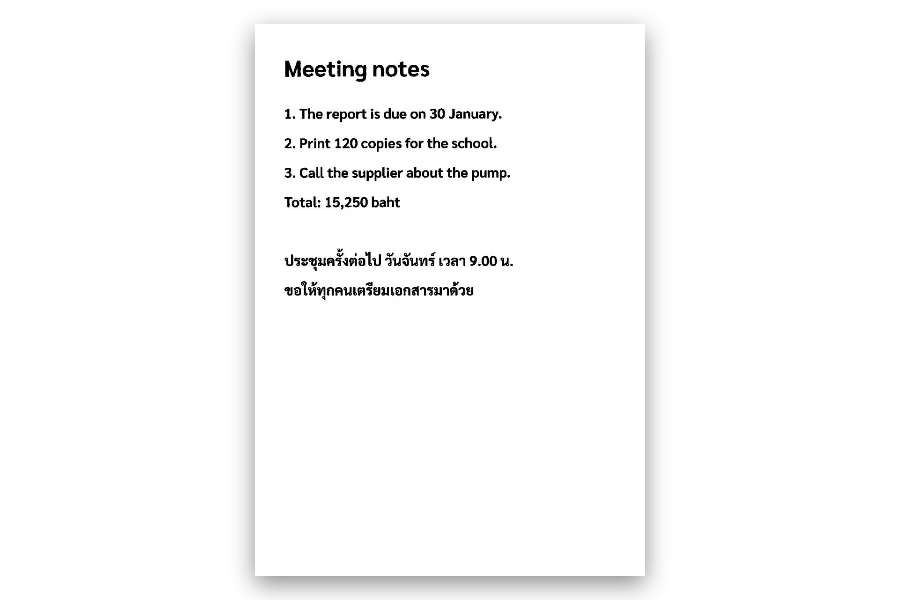
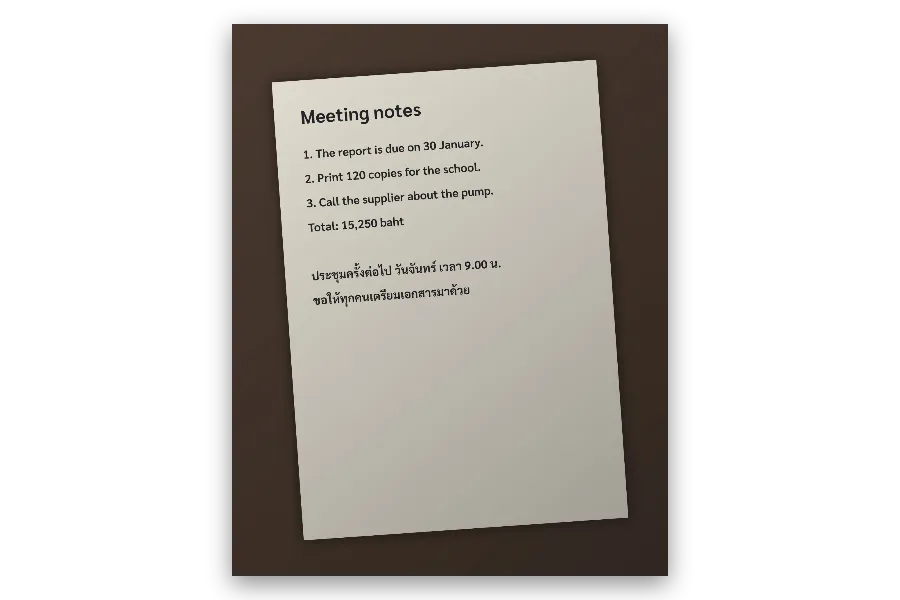 Before JPG, 85 KBAfter PDF, 63 KB
The photo decides everything
- Dark under white. The tool looks for a sheet lighter than the table. White paper on a white desk has no edge to find.
- Light from the side of a window, not a lamp above you. Your own shadow is the commonest fault.
- Straight above, all four corners in. Leave a finger’s width of table around the sheet.
- Flat. A folded page stays a little curved. Press it under a book for a minute.
- Hold still, then tap on the text to focus. Read one word on the screen before you move.
From photo to PDF
- Open Scan to PDF on the phone and press Choose files. Take the photo, or choose several from the gallery.
- Leave Find the page and straighten it on.
- Choose the Look. Colour, clean paper suits stamps and ID cards, Grey suits letters, Black and white suits typed text.
- Keep A4 as the Page size.
- Look at every page, then press Download.
All the photos become one PDF, in the order you chose them. Our sample, an 85 KB photo of a note lying crooked on a table, came out as a straight 63 KB page.
Which look is right?
Size is not the reason to choose: for that same note the three looks gave 66, 65 and 63 KB. Choose by what must be seen. A red stamp turns grey in black and white and may count as “not original colour”. Pencil disappears in black and white. A receipt on thermal paper is best in grey, because it is faint. Use As photographed when the cleaning eats something you need, such as a light watermark.
Make it useful
A scan is a picture. To search it or copy from it, run OCR PDF; it keeps the look and lays the words over it unseen. English reads well. Thai reads well enough to search, with some tone marks lost, so correct it before you quote it.
Many pages from different days? Merge, then put them in order.
What goes wrong
It cut half the page. Another light thing was in the picture: a second sheet, a window’s reflection. Take it again, or turn off finding the page and crop by hand with Crop image first.
Grey patches remain. The shadow was too deep. Turn the table so the light comes from the other side.
The text is soft. The photo moved. No tool sharpens that back; two seconds with elbows on the table will.
The file is too big for the form. Use Compress PDF with a size, starting from this file, once.
Check it like the person who receives it
Open the PDF and zoom to 200%. Read the smallest print: the number under a stamp, the date. Look at the four corners; nothing should be missing. Check that page 2 is not page 1 again, which happens when you tap twice.
When a phone is not enough
For a passport application, a court, or a photograph for print, use a flatbed scanner at the resolution they ask for. For forty pages, a copier with a feeder takes two minutes and your phone an hour. Books need a scanner made for books, because of the curve. And if the paper exists as a file somewhere, ask for that: an e-mail is sharper than any camera.
Questions
Do I need a scanner app?
No. Open the page on your phone; choosing files there offers the camera.
Why did it not find the edges?
It looks for paper that is lighter than what is under it. Put the paper on a dark table.