
Remove the password from your bank statement PDF
Open Unlock PDF, type the password your bank gave you once, and download a copy that opens without it. It runs on your device, so a year of your spending does not pass through a stranger’s server.
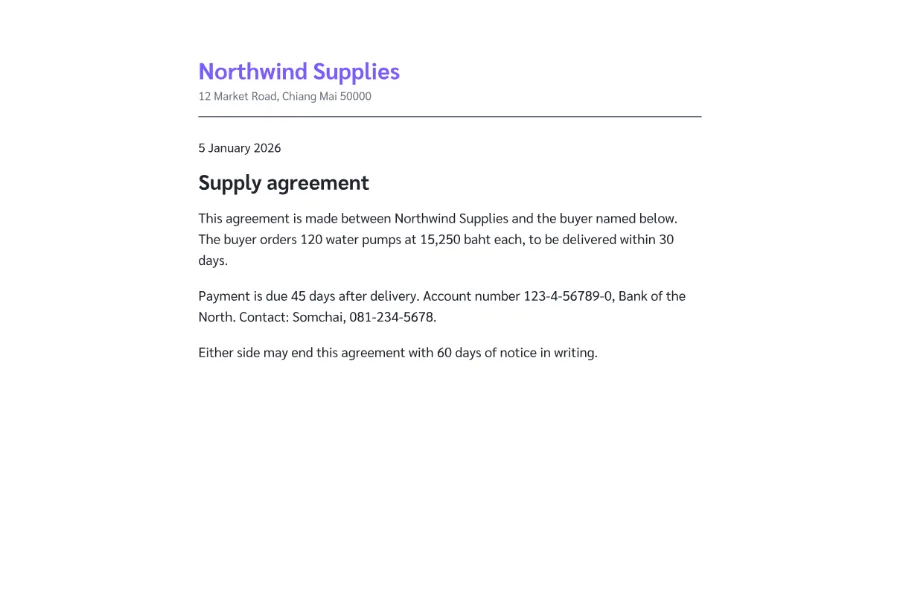
 Before PDF, 9 KBAfter PDF, 8 KB
Why you would want a copy without it
A loan form, an accounting program or an HR system cannot type a password. A locked file also cannot be joined with others, converted, or made smaller. You need a plain copy for that one use, and the locked original for keeping.
Make the copy
- Find the password. The bank’s e-mail explains it; often it is part of your ID number, phone or birth date, in a pattern they describe.
- Open Unlock PDF and press Choose files. Several statements with one password can go together.
- Type it in Password. Show lets you see what you typed.
- Press Download. The name ends in
-unlocked. - Close the browser tab and open the copy to see that it asks for nothing.
If the file opens without a password but will not print or copy, leave the password empty: the tool lifts those limits too. Our sample locked file, 9 KB, came back as 8 KB with every page the same.
What to do with it next
- Twelve months as one file: Merge PDF, then Compress PDF if there is a limit.
- The numbers in a sheet: PDF to Excel. It finds columns by where the words stand. Check the totals, because wrapped descriptions can land in the wrong column. The whole way is in a bank statement in Excel.
- Only one page is asked for: Extract pages. Sending less is safer.
- Hide lines that are not their business: Redact PDF, if the receiver accepts it. Many lenders refuse an altered statement, so ask.
What goes wrong
“The password is missing or wrong.” Look for a space at the end from copying, a letter O for a zero, or the year in the Buddhist era where the bank means the other one. Type it by hand.
It opens, and the next tool still says it is locked. You chose the old file. Look for -unlocked in the name.
The bank’s signature is gone. Some statements carry a certificate signature. Removing the password changes the file, and the signature may no longer be valid. If the receiver checks signatures, send the original and the password, apart.
Keep it safe afterwards
Delete the plain copy when the form is accepted, and empty the bin. If you must keep it or mail it, put your own password on it: AES-256, with a password you choose. Send the password by another road, a call or a message, never in the same e-mail.
Check before you upload
Is it the right account, the right months, all the pages? “Page 1 of 6” on the first page tells you how many there should be. Does your name show as the form spells it? Does the bank’s logo and the period remain at the top of each page? Offices look for both.
When not to do this
Do not unlock a statement that belongs to someone else, even when they ask you to “sort it out” by e-mail: that is a classic trick. Do not use a site that uploads the file for this job. And if your bank’s app can export a statement without a password, or send one straight to the lender, use that; there is then no plain copy to lose. Many banks also sell or give a stamped paper statement, which some offices prefer. Check the form of the office you apply to.
Questions
I do not know the password. Can it find it?
No. It does not guess. Banks usually explain the pattern in the e-mail that came with the file.
Is it allowed?
It is your own statement and you have the password. Do not do it to a file you have no right to open.