
Find duplicate photos
Same picture, other size? It is found.
- Free, no sign-up
- Nothing is uploaded
- Many files at once
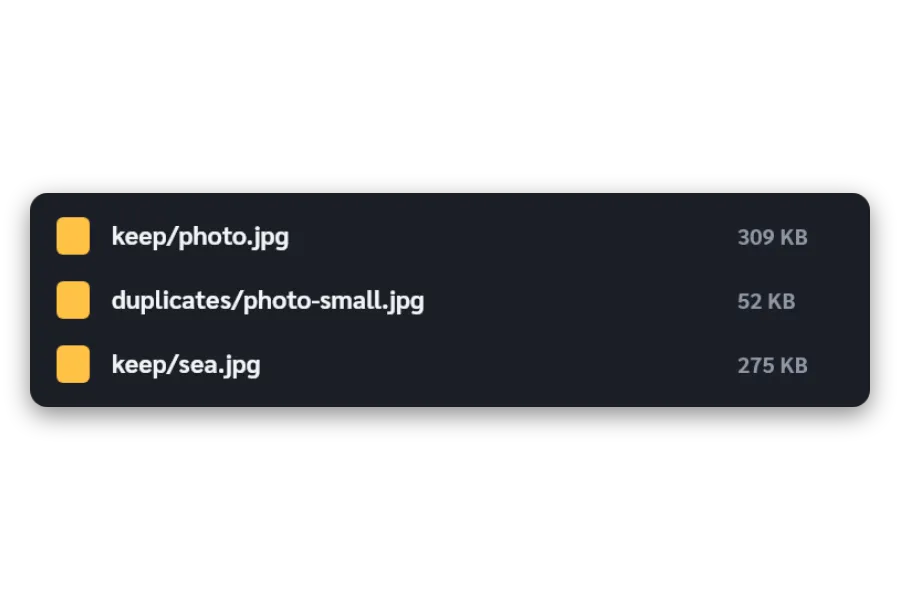
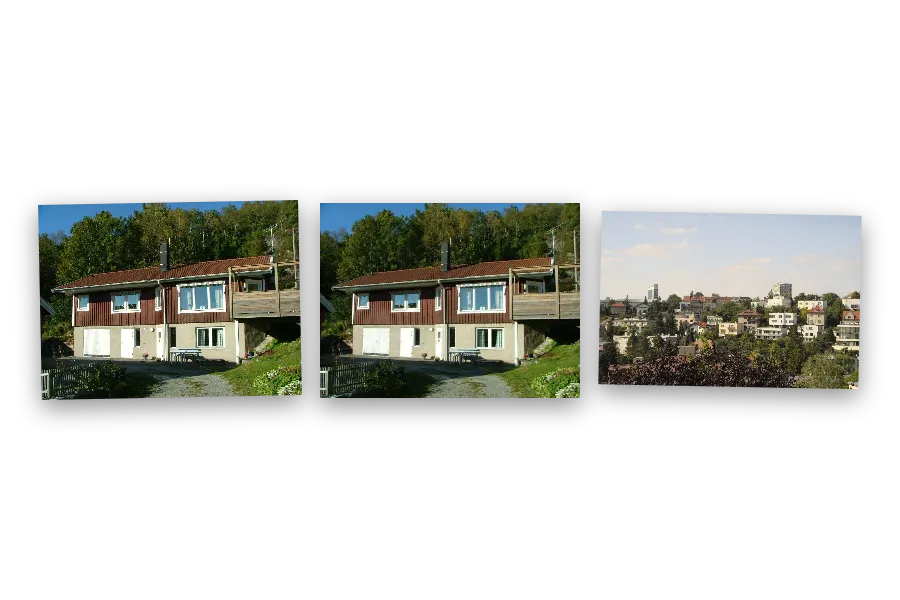 Before JPG, 635 KBAfter 3 × JPG, 635 KB
or drop them here
JPG, PNG, WebP, HEIC and more. Stays on your device, never uploaded.
How to use Find duplicate photos
Choose your files, or drop them in the box.
Change the options and watch the result on the page.
Happy with it? Press Find duplicate photos, then download the new file.
What you get
- Finds resized and re-saved copies
- Three levels, up to burst shots
- The largest of each goes to a keep folder
What to know first
- Turned or strongly cropped copies may be missed.
Need more? Full programs, right in your browser
Nothing to download or install: the program opens in this browser tab. Free, and your files stay on your device.


Questions
Does it delete anything?
No. You get two folders, and decide yourself.
How are photos compared?
By a small fingerprint of light and dark, made on your device.
Is my file uploaded?
No. The page loads the converter into your browser and your device does the work. Run a tool once, switch off the internet and run it again: it still works. The page’s security rules also stop it from connecting to any other site.
Is it free? Is there a limit?
Free, with no sign-up, no watermark and no daily limit. The limit is your device’s memory, because the work happens there.
Guides
A two-pass way to cull a wedding, graduation or holiday: find doubles, keep with one key, compare the close ones, and hand over a clean set.
Rename photos by date and number, hundreds at onceTurn IMG_4821.JPG into 2026-01-05_001.jpg with the date from inside each photo, put sets in order, and sort them into folders by place.
People also use
More Image tools
Remove backgrounds, compress, resize, convert HEIC and RAW, make passport photos, sort photos with on-device AI. Free, many at once, never uploaded.