
Scan to PDF
Photos of pages become a clean PDF: straight, white and in one file.
- Free, no sign-up
- Nothing is uploaded
- Many files at once
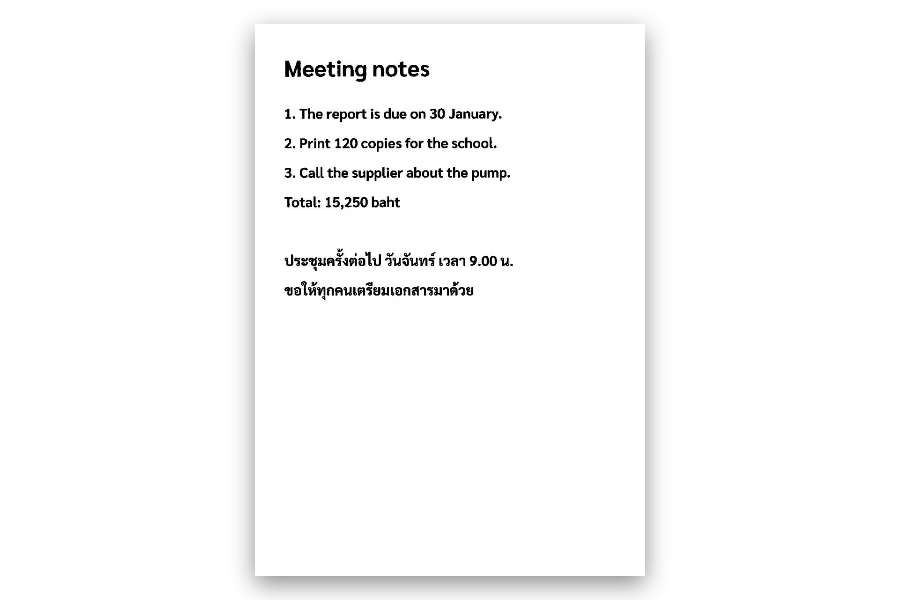
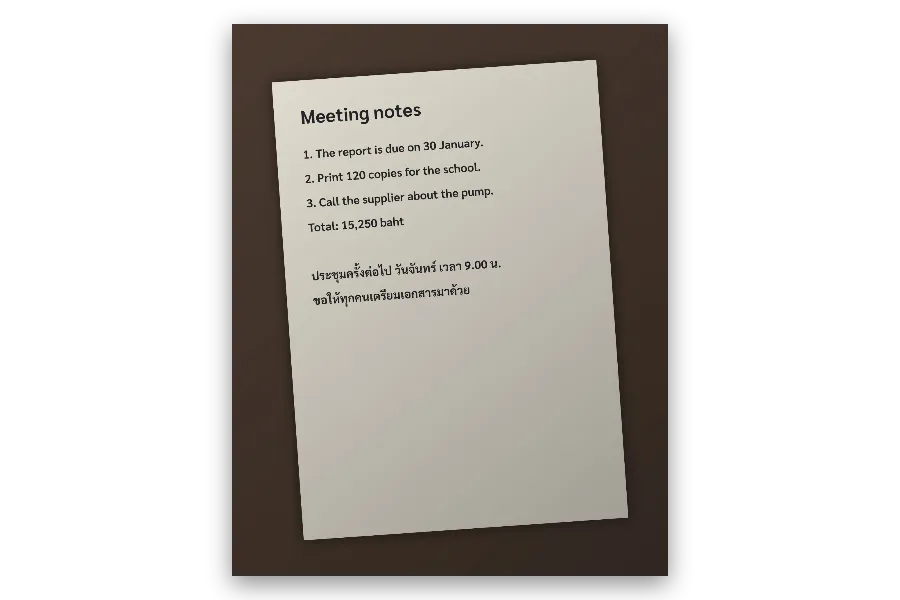 Before JPG, 85 KBAfter PDF, 63 KB
or drop them here
JPG, PNG, WebP, HEIC and more. Stays on your device, never uploaded.
How to use Scan to PDF
Choose your files, or drop them in the box.
Change the options and watch the result on the page.
Happy with it? Press Scan to PDF, then download the new file.
What you get
- Finds the page in the photo and straightens it
- Takes shadows out: colour, grey or black and white
- On a phone, choosing files offers the camera
What to know first
- Needs paper that is lighter than the table under it.
- Curled or folded pages stay a little curved.
Need more? Full programs, right in your browser
Nothing to download or install: the program opens in this browser tab. Free, and your files stay on your device.


Questions
Do I need a scanner app?
No. Open this page on your phone and take the photos.
How do I make the scan searchable?
Use OCR PDF on the result.
Is my file uploaded?
No. The page loads the converter into your browser and your device does the work. Run a tool once, switch off the internet and run it again: it still works. The page’s security rules also stop it from connecting to any other site.
Is it free? Is there a limit?
Free, with no sign-up, no watermark and no daily limit. The limit is your device’s memory, because the work happens there.
Guides
Take one good photo, let the tool find the edges and clean the shadow, pick colour, grey or black and white, and make a small A4 PDF.
How to get a PDF under 2 MB without ruining itUpload forms refuse big PDFs. Set an exact size, know what can shrink and what cannot, and fix the file when the first try is still too large.
Make a scanned PDF searchable: what OCR can and can’tAdd text to a scan without changing its look, get a text file too, choose the language, and judge how far to trust the words it read.
People also use
More PDF tools
Merge, split, compress, convert, unlock, protect, sign and edit PDFs free in your browser. Your files stay on your device. No sign-up.