
How to get a PDF under 2 MB without ruining it
Open Compress PDF, choose Under a size and type 1900. The tool makes the pictures inside the PDF smaller, step by step, until the file fits, and leaves the text as text. Nothing is uploaded, which matters when the PDF is your passport or your transcript.
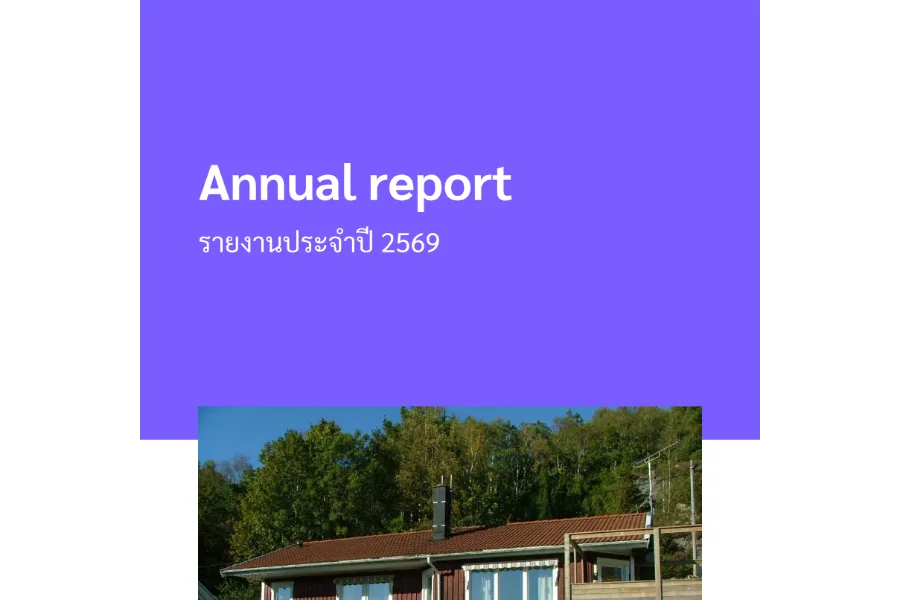
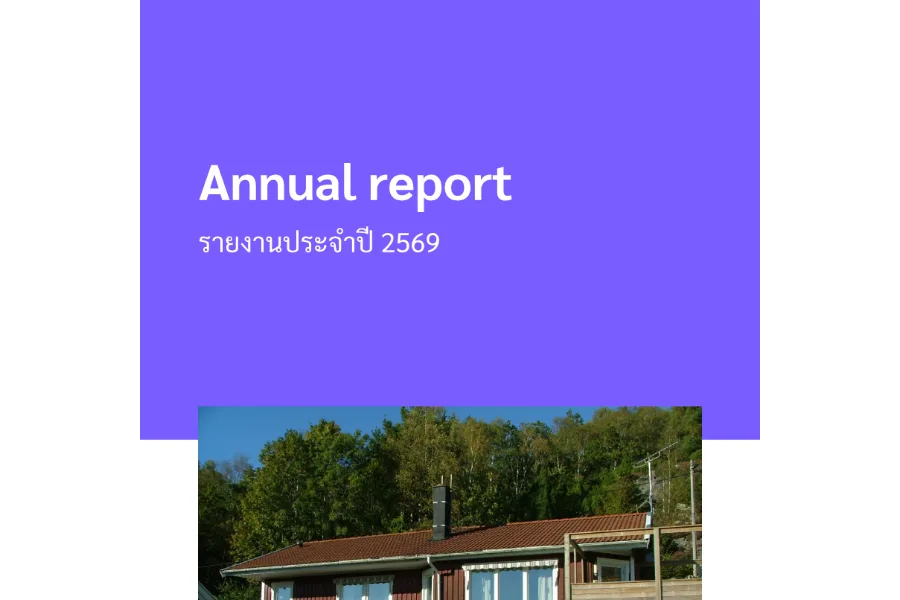 Before PDF, 691 KBAfter PDF, 265 KB
Set the size
- Open Compress PDF and press Choose files.
- Under How small, choose Under a size.
- In Size in KB, type 1900 for a 2 MB limit, 4900 for 5 MB, 480 for 500 KB.
- Read the line that says what it was and what it became.
- Zoom in on the smallest text in a picture, such as a stamp, and press Download if you can read it.
Compressing again and again makes pictures worse each time. Always start from the original.
What happened to our sample
A four-page report with photos, 691 KB:
| Choice | Result |
|---|---|
| Best quality | 587 KB |
| Recommended | 372 KB |
| Smallest | 265 KB |
| Under 200 KB | 196 KB |
| Under 100 KB | 96 KB |
| Under 50 KB | stopped at 96 KB |
The last row is honest behaviour. Below 96 KB only text was left to squeeze, so the tool said “the smallest this could get without turning its text into pictures is 96 KB” and did not pretend.
If it is still too large
Work down this list; each step costs less quality than the one after it.
- Take out pages. Blank backs and cover sheets weigh as much as real pages. Remove pages.
- Scan again. A phone photo inside a PDF can be 4 MB on its own. Run the photos through Scan to PDF instead; our 85 KB sample photo became a 63 KB page, straightened, with the shadow gone.
- Choose grey or black and white when you rescan. Colour is rarely needed for a certificate.
- Send in parts, if the form allows several files. Split PDF has a setting for a largest size for each part.
- Ask. Offices often have another way for large files.
Before you upload it
- Open the new file, not the old one, and go to every page.
- Read the smallest number on it: an ID number, a date on a stamp.
- Look at the file size in your file list. Some lists round 2.04 MB down to 2 MB.
- Check the name. Forms often refuse spaces, Thai letters or signs such as
#.
What the limit does not tell you
A form that says “PDF only, 2 MB” can still refuse a file for another reason: it has a password, its name is too long, or the pages are too large in millimetres. If a small file is refused, unlock it or print it to a fresh PDF. The rules are the office’s own, so read the page you apply on.
When compressing is the wrong answer
For print, keep the full-size file; 72 dpi pictures look fine on a screen and poor on paper. For an archive, use PDF/A. And if the original is a Word document, fix the cause: shrink its pictures with Compress Word, then make the PDF again. It usually beats compressing the PDF, because the photos are scaled once, from the original.
Questions
What number should I type for 2 MB?
2 MB is 2048 KB, but some sites count 2,000,000 bytes, which is 1953 KB. Type 1900 and you pass both.
Does it turn my text into a picture?
No. Only the pictures inside are made smaller. Text stays sharp and can still be searched and copied.
Why is my file not getting any smaller?
It is probably all text, or its pictures are already as small as the level allows. Text is not turned into pictures to save room.
