
Get a photo under 200 KB for an online form
Make the photo smaller in pixels first with Resize image, then lower the quality with Compress image until the size on the page is under 200 KB. In that order you keep the face sharp. The photo stays on your device.
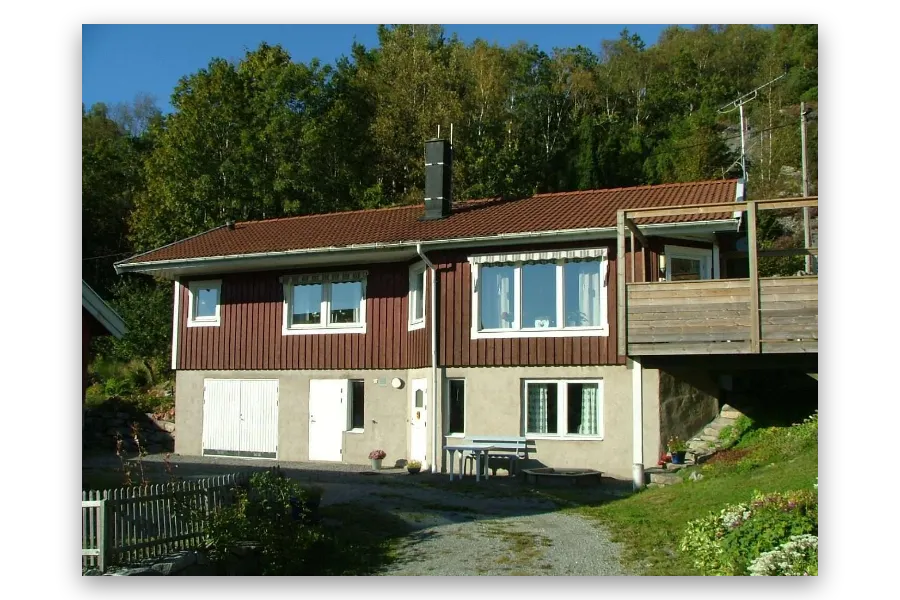
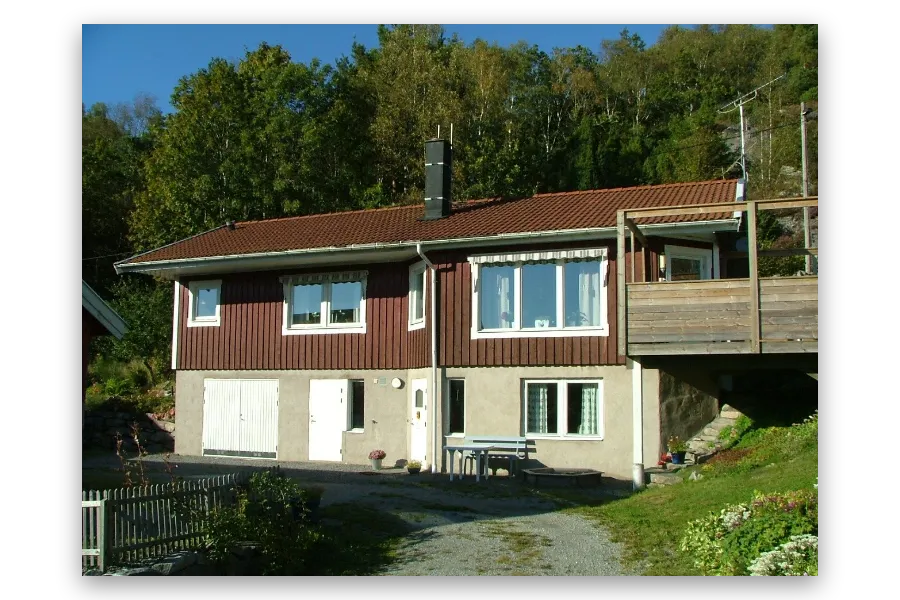 Before JPG, 309 KBAfter JPG, 168 KB
Why resize first
A phone photo is 4000 pixels wide. A form shows it about 400 wide. Squeezing 12 million pixels into 200 KB smears everything; squeezing half a million is easy. So throw away pixels nobody will see, and only then touch the quality.
Do it
- Open Resize image, press Choose files, and set Width (px) to what the form asks for, or to 1000 if it asks for nothing.
- Press Download.
- Open Compress image with that file and set Quality to 70.
- Read the new size. Too large: go to 60. Well under: go up to 80.
- Press Download.
Real numbers
Our sample photo is 1280 by 960 pixels and 309 KB.
| Step | Size |
|---|---|
| quality 70 only | 268 KB |
| quality 60 only | 168 KB |
| quality 50 only | 154 KB |
| quality 30 only | 110 KB |
| 800 px wide | 178 KB |
| 600 px wide | 112 KB |
| 1000 px wide, then quality 70 | 136 KB |
Look at the first row: 70 alone was not enough. Look at the last: the same 70 after a resize gives 136 KB with a picture that looks the same on a form. Notice also that 1200 px wide gave 340 KB, more than the original, because saving again at high quality costs space. Resizing is not always smaller on its own.
What forms really check
- Kind. JPG nearly always. HEIC from an iPhone is refused; use HEIC to JPG. A PNG goes through Convert to JPG.
- Pixels. “413 × 531” means exactly that shape. Crop to the shape first, then resize to the width. Resizing alone keeps the shape you had.
- Bytes. 200 KB is 204,800 bytes to some and 200,000 to others. Aim for 180.
- Name. No spaces, short.
For an ID photo start from Passport photo, which gives the exact shape, and compress its result.
What goes wrong
It will not go under. The picture has much fine detail, such as leaves or a patterned shirt. Crop tighter, or use 800 px.
Text in it is unreadable. It is a document, not a photo. Use Scan to PDF, or if a picture is required, PNG at a smaller width.
The same size comes back. The tool never gives you a larger file than yours. At 85 our sample came back unchanged, because it was already saved that way. Lower the number.
Blocks around the edges. Quality under about 40. Go back to the original and take pixels away instead. Never compress a compressed copy.
Check it
Look at 100%. Can you read the name badge, see both eyes, tell the hair from the wall? Upload it, and before you press Send look at the form’s own preview: some crop it again.
When this is the wrong tool
To post or print, do not go this far down; 200 KB is for forms. For a web page, Optimize for web makes a better job of it. And if the form takes 2 MB, leave the photo nearly as it is: a smaller number does not make an application better.
Questions
Is there a button for exactly 200 KB?
No. You set the width and the quality and read the size on the page. Two or three tries get there.
Why did my PNG become a WebP?
Compress image turns PNG into WebP, which keeps clear backgrounds. If the form wants JPG, use Convert to JPG first.
