
Unlock a protected Excel sheet you are allowed to edit
If the workbook opens but says “the cell is protected”, Remove Excel protection takes the protection off and leaves formulas, colours and data as they were. If it asks for a password before it opens, the file is encrypted and this does not help. Use it only on files you are allowed to change.
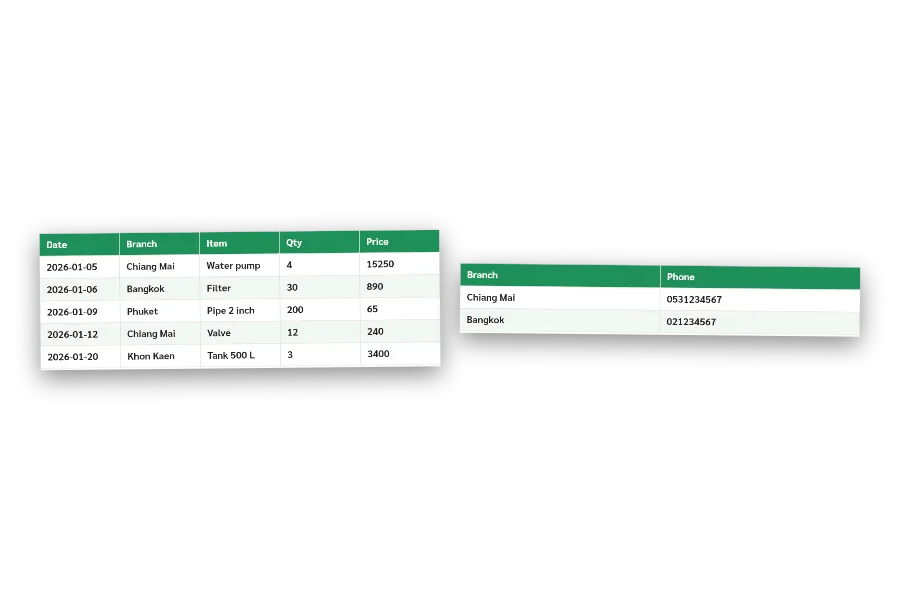
 Before XLSX, 2 KBAfter XLSX, 2 KB
Two kinds of lock
| What you see | What it is | Here |
|---|---|---|
| opens, cells refuse to change | sheet protection | yes |
| opens, sheets cannot be added or renamed | workbook structure protection | yes |
| Word or PowerPoint opens, editing is restricted | editing restriction | yes |
| a box asks for a password before anything shows | encryption of the file | no |
Protection is a fence, not a safe. It stops accidents. The data is in plain sight, which is why removing it needs no guessing. Encryption scrambles the file, and without the password there is nothing to read.
Take it off
- Ask the owner first, or make sure the file is yours. “I wrote it three years ago” counts.
- Open Remove Excel protection and press Choose files. It takes .xlsx, .xlsm, .docx and .pptx.
- Press Download. The name ends in
-unlocked. - Open the copy, change one cell, and save.
Nothing else in the file moves. Our protected sample is 2,424 bytes and the unlocked copy 2,383: the missing 41 bytes are the lock.
Check the formulas
Click a cell that holds a total and see that it is still a formula. Change an input and watch the total follow. If it does not, calculation may be set to manual in that workbook: press F9.
Look for hidden sheets as well (right-click a tab, Unhide). Workbook protection often hides them, and they may hold rates or names that were not meant for the next reader. That cuts both ways: before you send your own workbook, know that a hidden sheet is not secret. To share one sheet only, use Split Excel, and check that values are enough.
What goes wrong
“This file could not be read.” It is the old .xls, or it is encrypted. Save .xls as .xlsx in a spreadsheet program first.
It is still locked. You opened the original. Or the sheet is shared and locked by someone who has it open.
A macro locks it again. The workbook has code that protects sheets when it opens. Open it without macros, or ask the author.
If you forgot the password of an encrypted file
There is no honest shortcut. Look in your password manager and in old e-mails, try the patterns you used that year, ask whoever received it. Older copies in a backup may be open. Anyone who promises to break modern Office encryption in minutes is selling a guess, and wants you to upload the file.
Lock it better next time
Use sheet protection to keep colleagues from typing over formulas, with the password written where the team can find it. Use a file password (File, Info, Protect Workbook, Encrypt) for secrets. Send secrets as a PDF with a password, so nothing hidden travels with them.
Workbook too heavy to send after all that? Compress Excel shrinks the pictures in it. A workbook that is all numbers will hardly change.
When not to do it
Do not unlock an exam, a form with legal text, or a template whose owner locked it on purpose; a form that was edited is worth less than no form. If you need one more column, ask. Most people say yes.
Questions
It asks for a password as soon as I open it. Does this work?
No. That file is encrypted. Sheet protection is different: the file opens and you can read it, but cells refuse to change.
Are formulas and colours kept?
Yes. Only the protection is removed; formulas, colours and data stay.
