
Compare two versions of a contract in PDF
Put the old and the new PDF into Compare PDF and read the marked words. It works on the text, word by word, makes a report you can keep, and the contract stays on your computer.
 Before PDF, 16 KBAfter HTML, 879 B
Read less, see more
Reading two long documents side by side is how changes get missed. The eye corrects what it expects. A comparison does not get tired at page 14, and it does not know which clauses are boring.
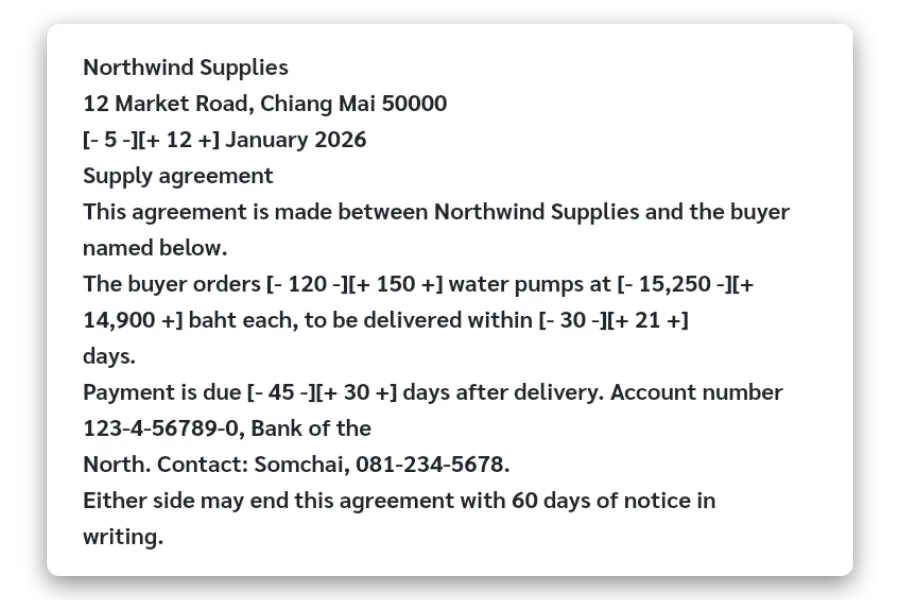
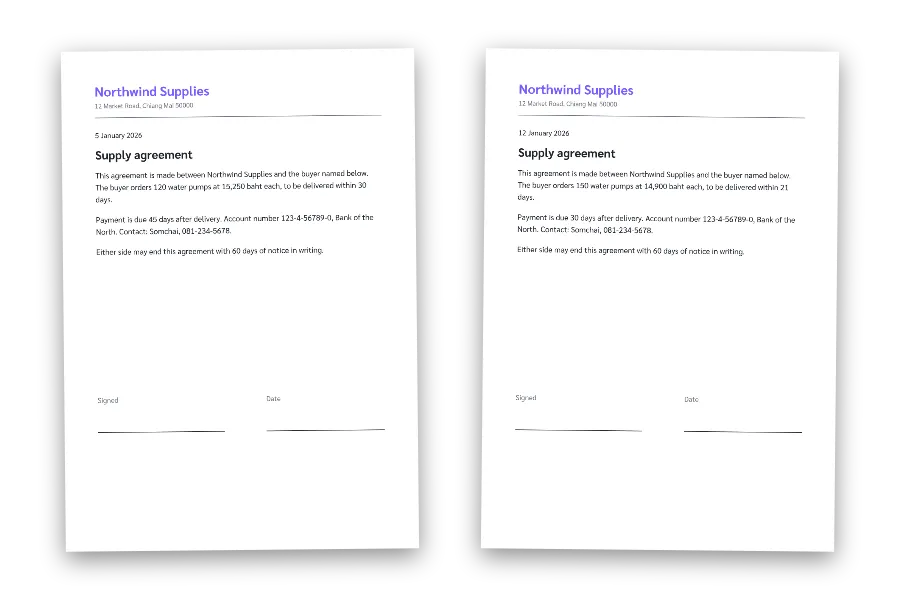
Our two samples are one-page supply agreements that look identical. The report finds five differences:
| Old | New |
|---|---|
| 5 January 2026 | 12 January 2026 |
| 120 pumps | 150 pumps |
| 15,250 baht each | 14,900 baht each |
| within 30 days | within 21 days |
| 45 days after delivery | 30 days after delivery |
The price fell, which is what the e-mail said. The delivery got shorter and so did the time to pay, which is what it did not say.
Compare
- Check that both PDFs have text: try to select a line. If one is a scan, read it with OCR PDF first.
- Open Compare PDF and press Choose files. Choose the two PDFs.
- Put the old one first.
- Read each marked place together with the sentence around it.
- Press Download to keep the report, and name it with the date.
Read the changes in order of cost
- Money: amounts, currency, who pays tax and shipping.
- Time: dates, days, “business days”, notice periods.
- Duty: “may” and “shall”, “reasonable efforts”, “not”.
- Ways out: termination, penalties, which court.
- Definitions with capital letters. One changed definition changes every clause that uses it.
Ask about every change nobody mentioned. Most are honest tidying. The answer to “why did 45 become 30?” tells you much.
What a comparison cannot see
Pictures, stamps, drawings, tables that are images. Text hidden under a white box. Whole attachments that are missing: check the number of pages and the list of annexes yourself. Handwriting in the margin. And it does not know the law.
What goes wrong
Everything is marked. One file was made from a scan, or the line breaks are different, or the order of columns. Compare the same kind with the same kind.
Strange letters. The PDF’s font has no map to letters. Run both through PDF to text; if it is wrong there, OCR that file.
It asks for a password. Unlock both with the passwords you were given.
Page numbers and footers fill the report. They are words too. Ignore the ones that are only numbers.
Check the report
Change one word in a copy of the new version, compare again, and see it turn up. Then look at the last page of both files: the report’s last marked words should come from there if anything changed at the end.
Then
Agreed? Sign the version you compared, and not “the final one” that arrives an hour later, unless you compare that too. Sending it to somebody who may not see the price? Redact it properly.
For two .docx files, comparing Word documents gives you tracked changes to accept or reject. For fifty clauses across three rounds, lawyers use software that follows clauses when they move, and for a contract that matters, you use a lawyer. This tells you which questions to bring.
Questions
Which file goes first?
The old one. Removed words belong to the first file and added words to the second.
It says no difference, but they look different.
It compares words. A new logo, another font or a moved table does not count. Look at those yourself.